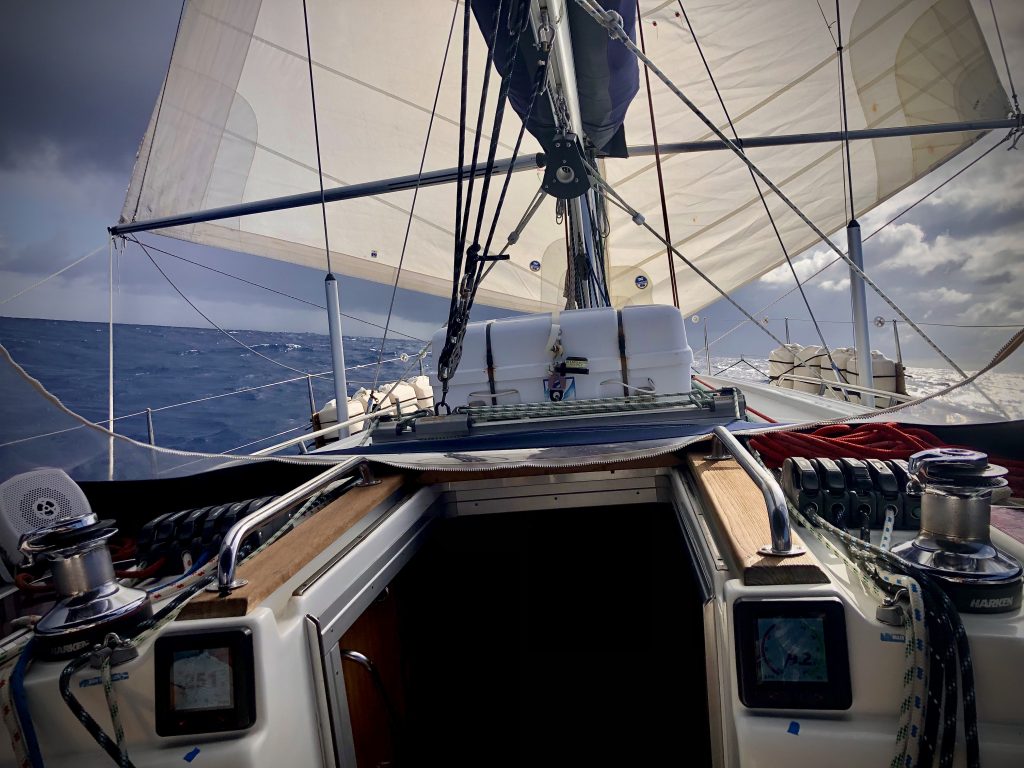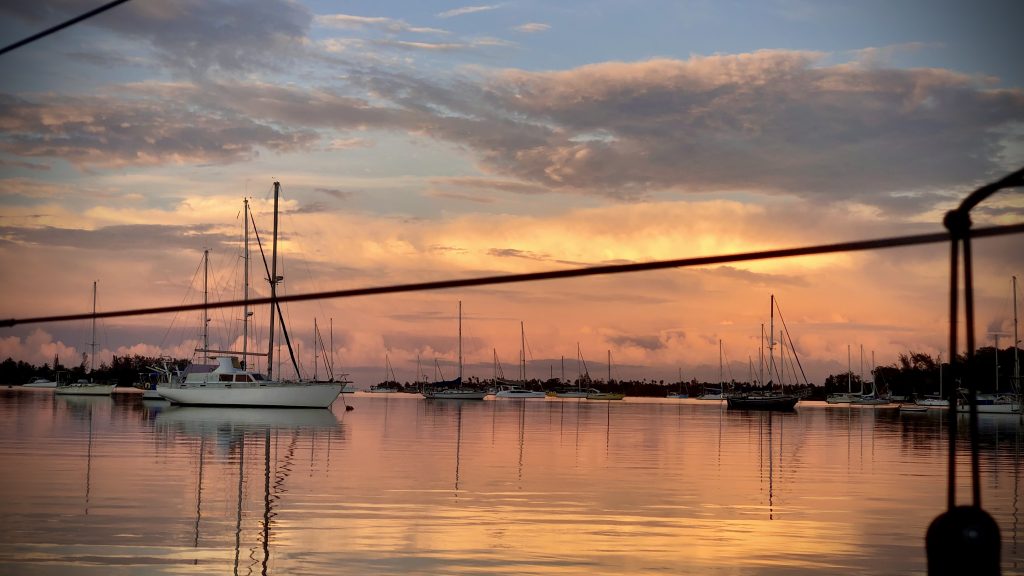
The plan was Bruny on the Monday with the northerly, up the Derwent on the Tuesday with a westerly for a broad reach, then a couple of nights in the marina at Prince of Wales Bay.
Maria asked whether I was only staying in the marina two nights. I said “no plans atm. I can stay longer in the D’Entrecasteaux area. I still have weeks of food and enough clean undies. There’s amazing anchorages there.”
Six weeks.
Sunday 5 April: into the Channel
Weighed at Lime Bay at 06:51. Foggy first thing, then it cleared. A damn fine day for a little yachting holiday.
Sailed where I could, motored where I could not. Dropped the main in light winds for a change, in one clean swoop straight into the bag.
I looked into a couple of bays at the top of Bruny before I settled. Plenty of room in the first one, but I did not like the shape of the valley behind it. Me thinks bullets.
Then round into the Duck Pond, and it was empty.
35m of chain in 5m of water. It set solid first time and I dug it in with a fair bit of power. Then bacon and eggs.
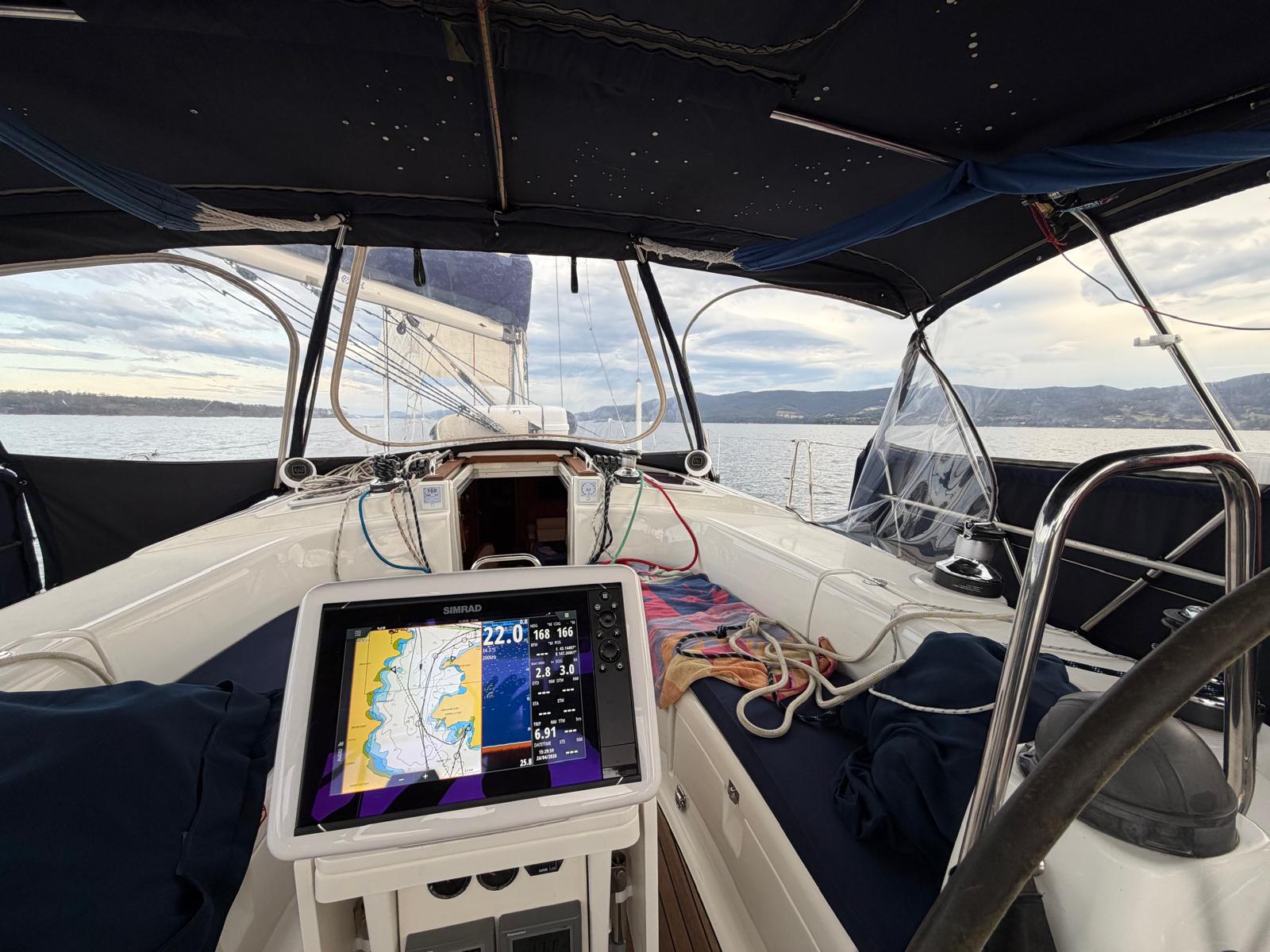
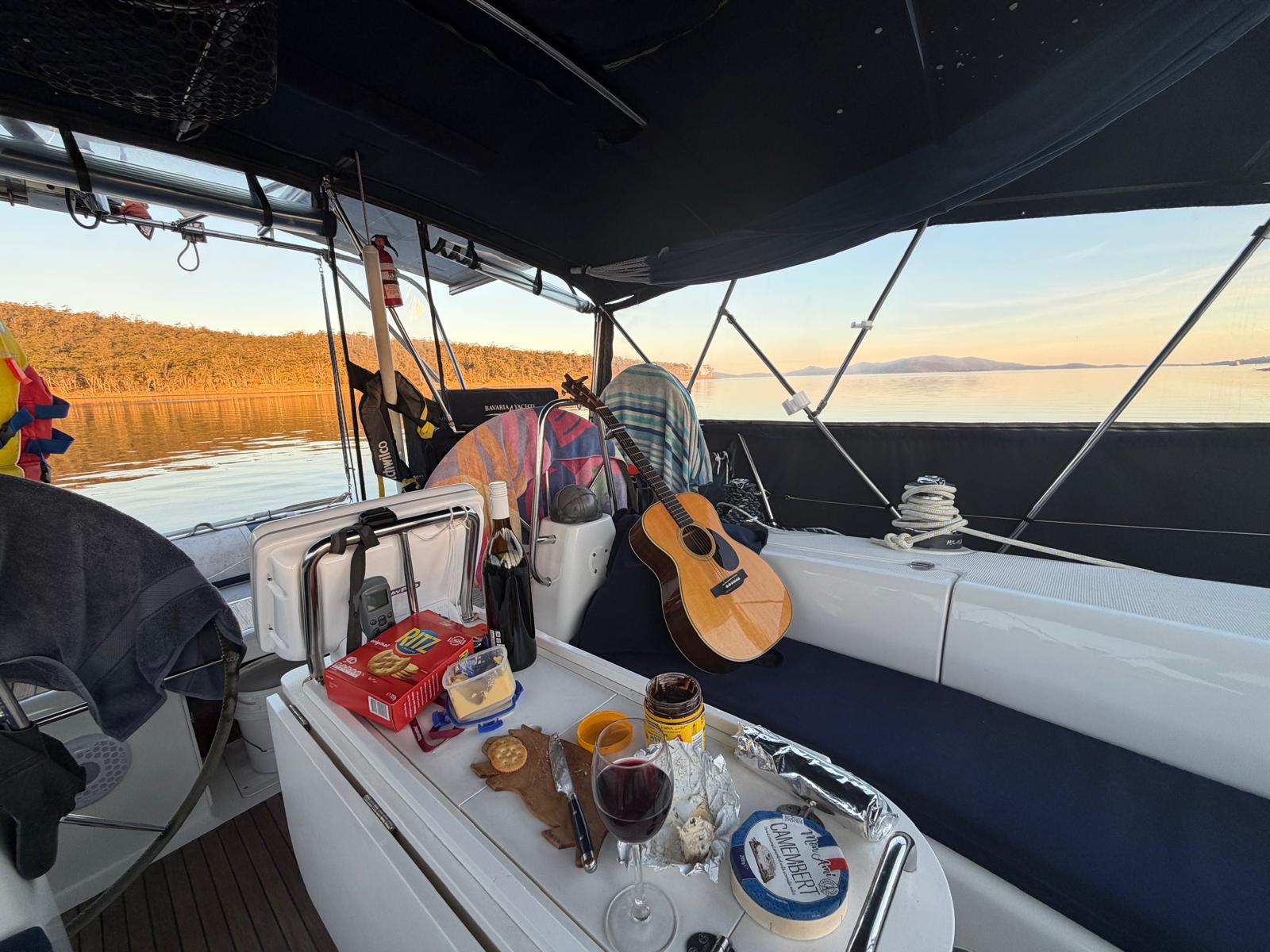
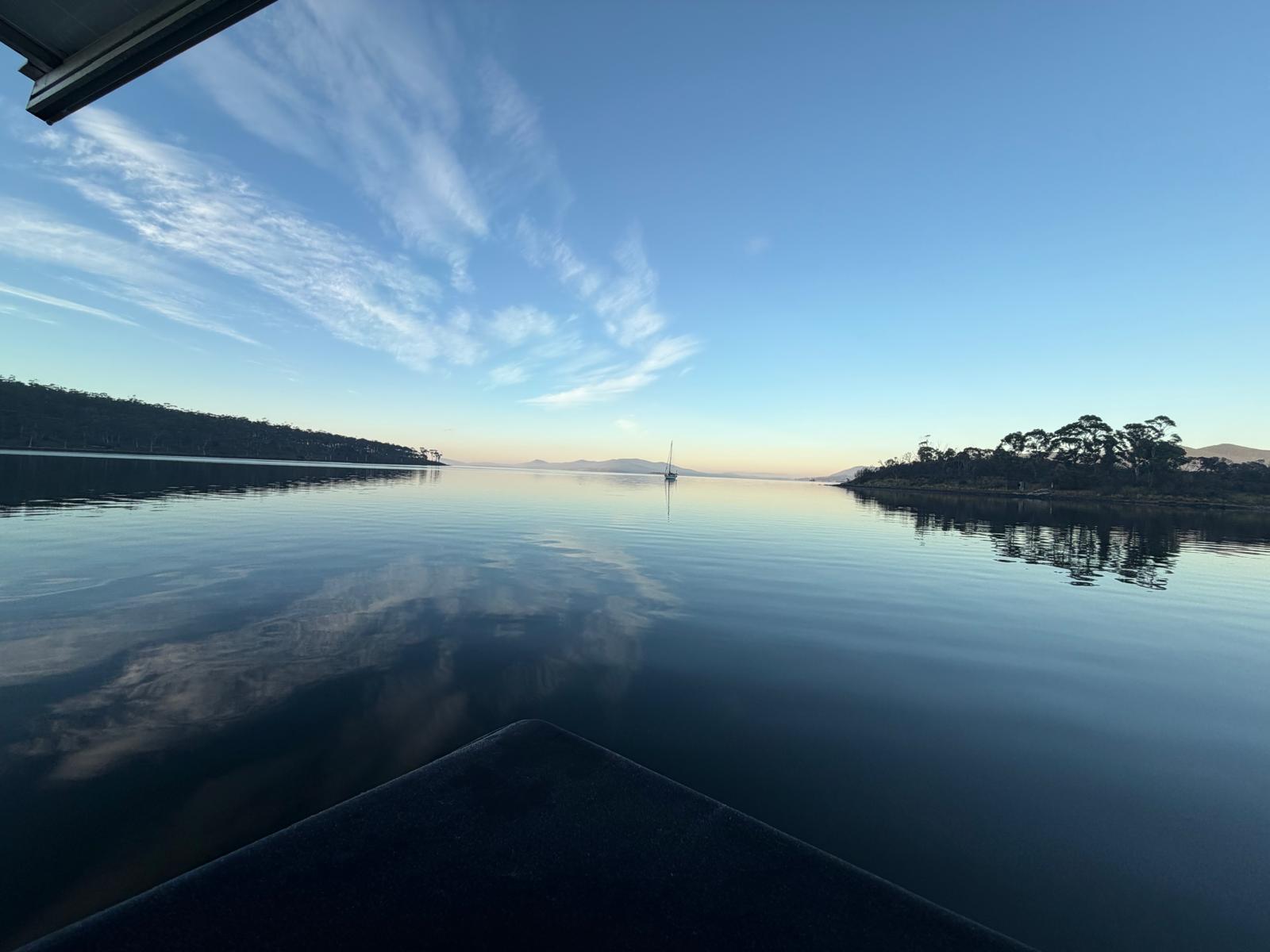
What a perfect spot. This is the bee’s knees. You could sit out a full gale from any wind direction in there. I thought at the time I might have to stay the week.
Only 1 bar of Optus. Putting the aerial in the external housing gives 2 bars but only 248kbps, so the BBC website takes about a minute to load. The Starlink works fine but I have to manage the batteries. It is workable.
I stayed eight nights.
The weather
The barometer sat at 1031 the day I came in, fell to 1004 by the middle of April and climbed to a little over 1038 by the second week of May, where it stayed.
Settled weather in the Channel is not the same as settled weather anywhere else, because the hills get a vote.
On the tenth there was literally no wind, then it gusted 25 knots and more. Real bullets, williwaws. I could see the boats over in Barnes Bay pointing west to a westerly while I was still pointing north, because there is a big hill to the west and the wind comes down it and along the water. A bit like Fourni.
Observations that afternoon had 32 knots at Opossum Bay and 30 at Launceston Airport. Further south it was 35kt at Maatsuyker Island and 39kt at Low Rocky Point. A week later Mount Wellington averaged 43.
I spent that morning messing about with the snubber and the chain, because it had been noisy in the V-berth overnight. It would be easier to sleep in the aft cabin, but I worry I would not wake up if I needed to. Slept from 10 to 1:30, awake till 4, then slept till 7:30.
Re-anchored the following morning, much better location, very sheltered from the westerlies.
Cold
Around the twelfth it got down to 3 degrees and stayed low for most of a week.
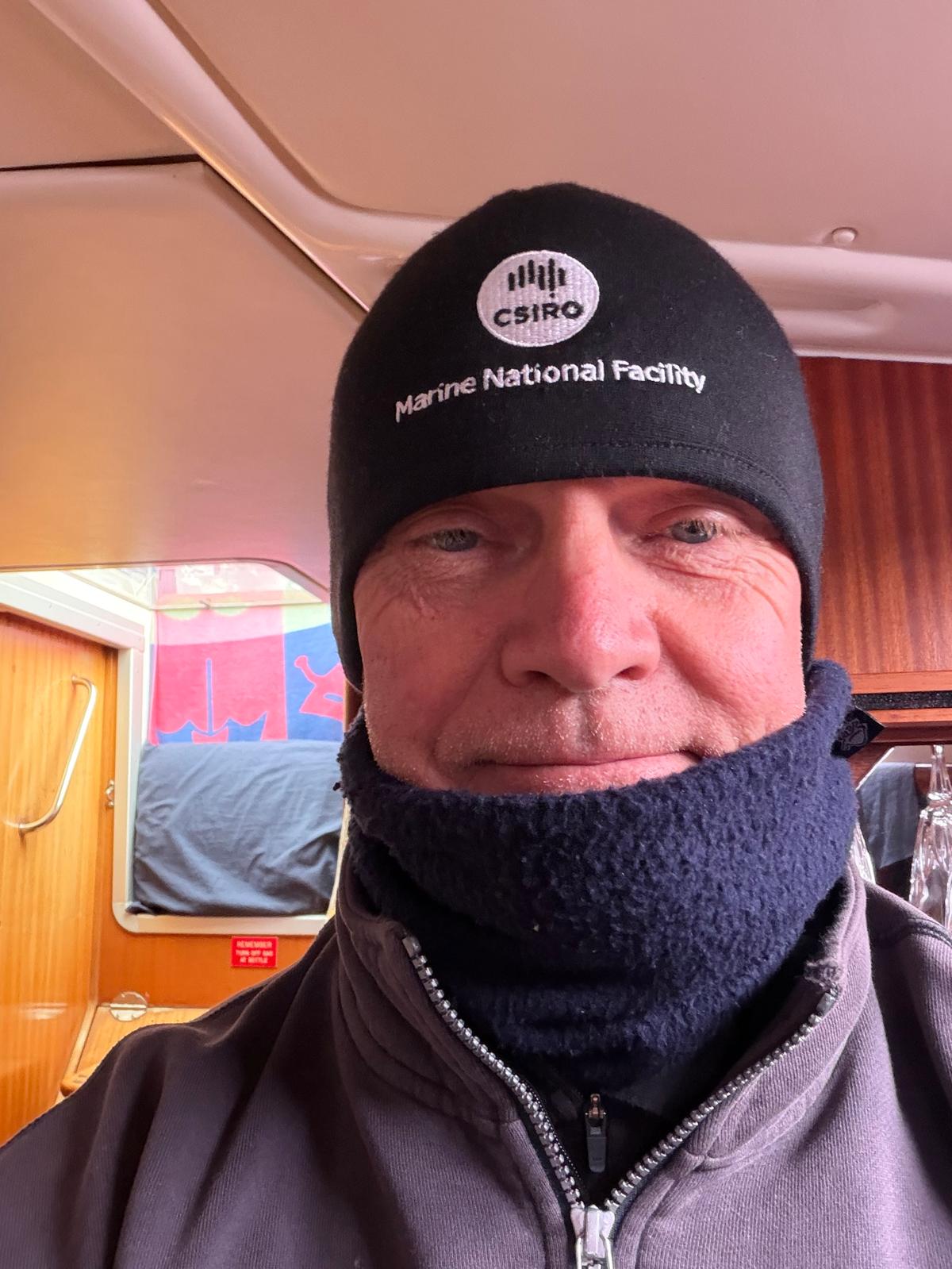
Very quiet in the mornings, and bloody cold. I stayed inside and coded. I went outside for 5 minutes and gave up. Everything closed, all the internal doors shut to keep what warmth there was in the saloon, and not very successfully.
Sitting still with bare hands does not help. Sailing gloves would annoy me, so I cut the fingers off something instead.
The instruments
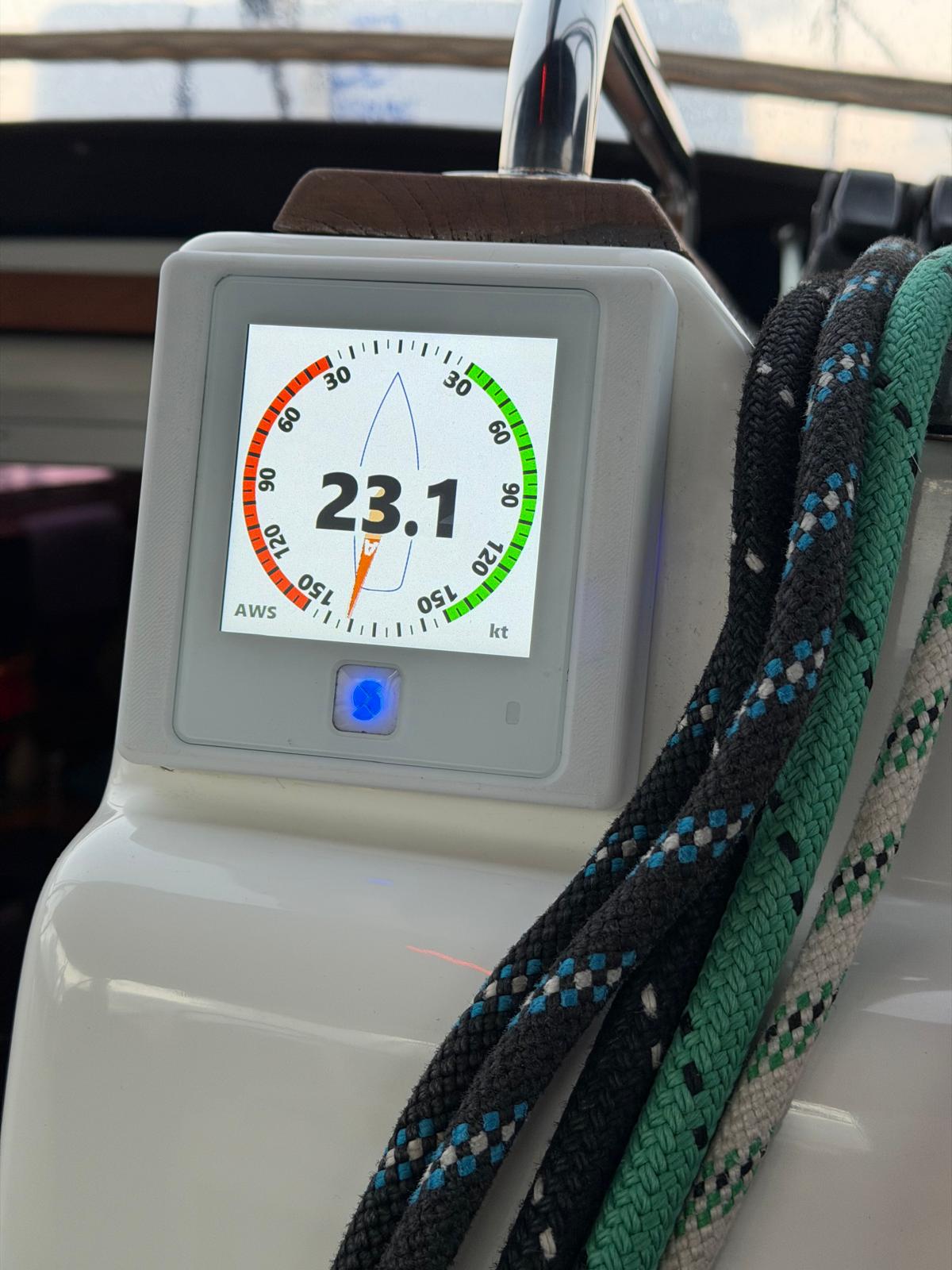
Most days I was working. Sunny Spells is the test platform for SCADYS, and the two things on trial were the MDD400 and the WTI400.
The MDD400 is a data display that takes NMEA 2000 and legacy serial and puts it where you can read it. The WTI400 sits between an old analogue masthead unit and the network. That solves a problem a lot of older boats have. The sensor at the masthead still works, the display at the bottom died ten years ago, and the manufacturer stopped caring ten years before that. Climb the mast and spend a thousand dollars, or keep the sensor and replace everything under it.
On my second morning in the Channel I sent Maria four words. The wind instrument is doing very well.
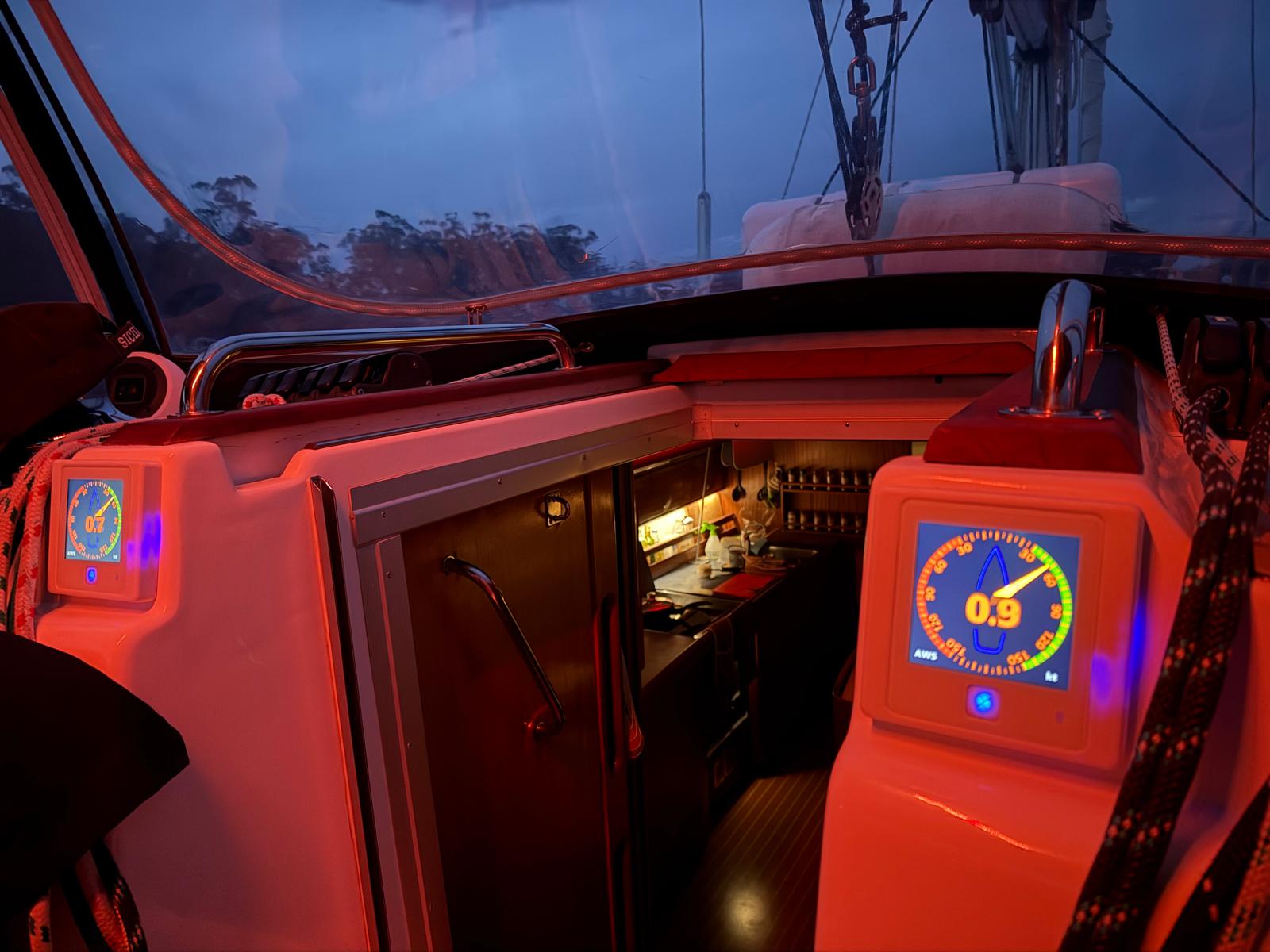
Six weeks at anchor is a hopeless place to test a wind instrument and a very good place to test everything else about it. Daylight legibility. What it draws over 40 nights. Whether it still reads true after that much dew. Whether the night theme works at three in the morning when you are up checking the anchor.
The bow roller
I did a lot of 3D printing during the five months on the hard. Bow roller, engine panel, hatch hinge covers, rigging screw covers, a Navpod base, and the holders that keep a wine glass and a coffee mug upright in the cockpit.
The bow roller is a work of art and it has made the anchor chain so much smoother. It also split, at the thinnest point, layer adhesion.
So I rang home and talked Maria through slicing and printing a new one, from the foredeck, down the phone. It came out beautifully.
It is still in a locker. The old one is still functional.
The pump
The freshwater pump had been making a noise for weeks. The brrrbs had been getting more frequent, and on the fourteenth it would not stop running.
I thought there might be debris stuck in the diaphragm valves. They were clean, all eight of them, but distorted. That is end of life on that part.
I spent a morning moving the pump to the bottom of the locker so it does not have to suck the water up a metre above the tank. That worked better. Still brrb-ing occasionally. I ordered a new pump head online, express post to the marina at Oyster Cove, because the same pump is used in RVs and caravans and the parts are everywhere.
Fitted it after Maria went home. Pig of a job. No more brrbs.
Fish, salad, and a stink boat
Not all of it was work.
On the eighth I did some fishing. Caught 4 and released them again. It might have been the same one, falling for the same trick. Definition of insanity. The fish caught itself, really. I just left the plastic lure dangling about 4m down, and it is more than a decade old.
Commissioned the barbie that evening. Lamb chop, sausages and a toastie. And a large salad, of course.
A stink boat came in just before sunset, anchored a respectful 150m away, then launched a rib and started wakeboarding. They were pretty quiet after that.
The microgreens on the galley shelf kept on giving the whole six weeks.
Oyster Cove
On the thirteenth I upped anchor and went over to Oyster Cove. It was very calm, so a good day for single-handed docking, and I was getting concerned about fuel supply given developments around Iran.
140 litres in the main tank, 80 in the auxiliary. Water. The laundry is pretty good, card payment, SpeedQueen machines.
Alongside for two hours and back at anchor off North Bruny by 14:24. Then another week pottering around the top of Bruny, moving between three anchorages within a couple of miles of each other.
Company
Maria came down for a few days in the third week. We went south to Dover, then up the Huon to Cygnet for three nights, and back down to Snake Bay on the eastern side of Bruny.
The boat is a different thing with two people aboard. Anchoring stops being a routine and becomes a conversation.
Then she went home.
Dover
Seventeen nights at Dover across seven separate stays.
Most of the moving was a few hundred metres at a time around Port Esperance, chasing shelter as the wind went round. There is a corner of that bay that works for almost any direction, so when the forecast swings you lift the anchor, motor ten minutes and put it down again somewhere the night will be quiet.
Once I went up to the town jetty for water and provisions. That was the only errand the whole fortnight.
Four nights in one spot. Then five. Then two. The logbook for those weeks is nearly empty, because it records events and moving 200m to get out of a northerly does not qualify.
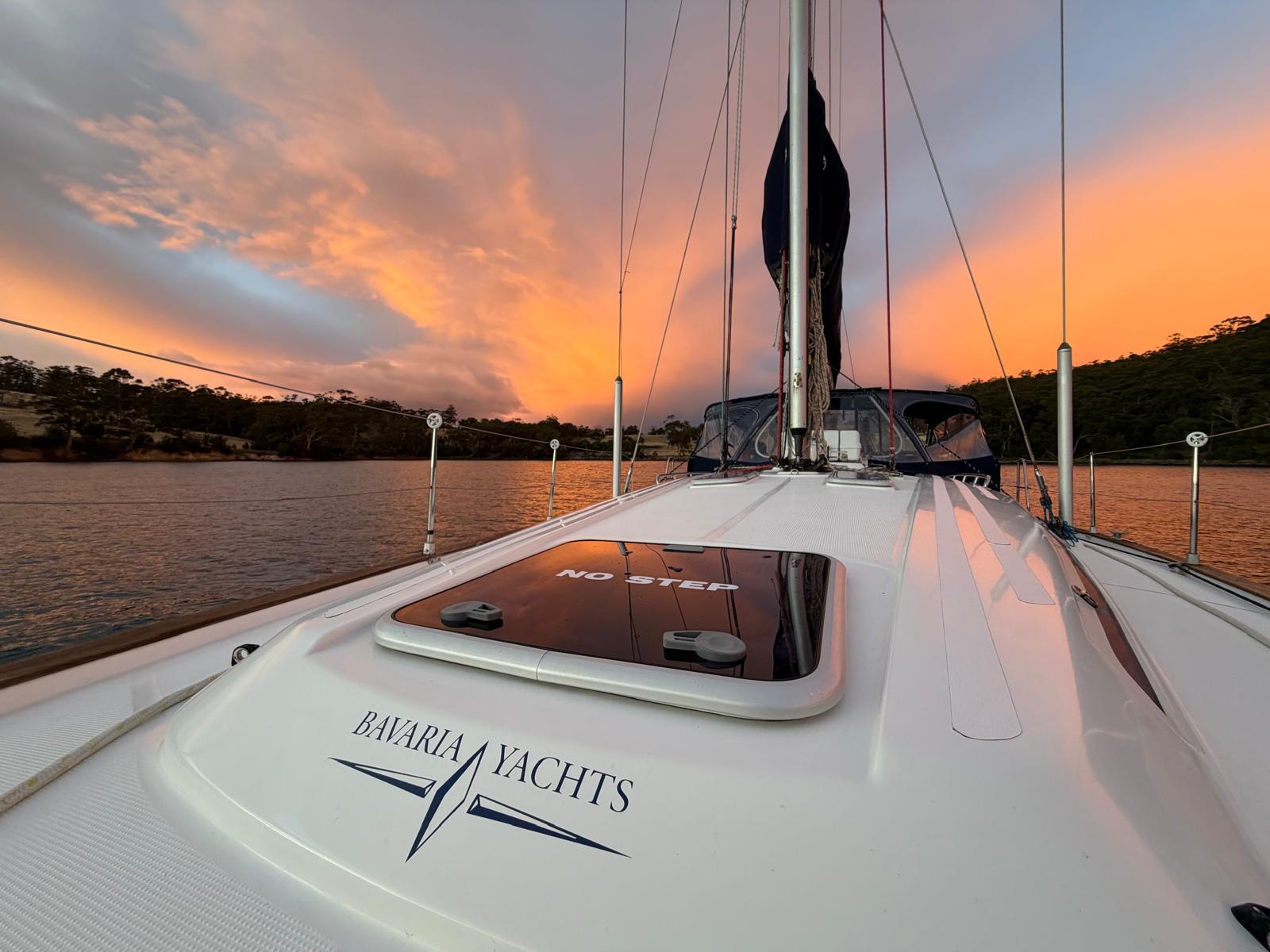
On the twelfth of May I went down to Mickeys Bay at the bottom of Bruny for a night, then back up to Snake Bay for three. Third visit to Snake Bay, and the plotter showed the tracks laid over each other.
Saturday 16 May: up the Derwent
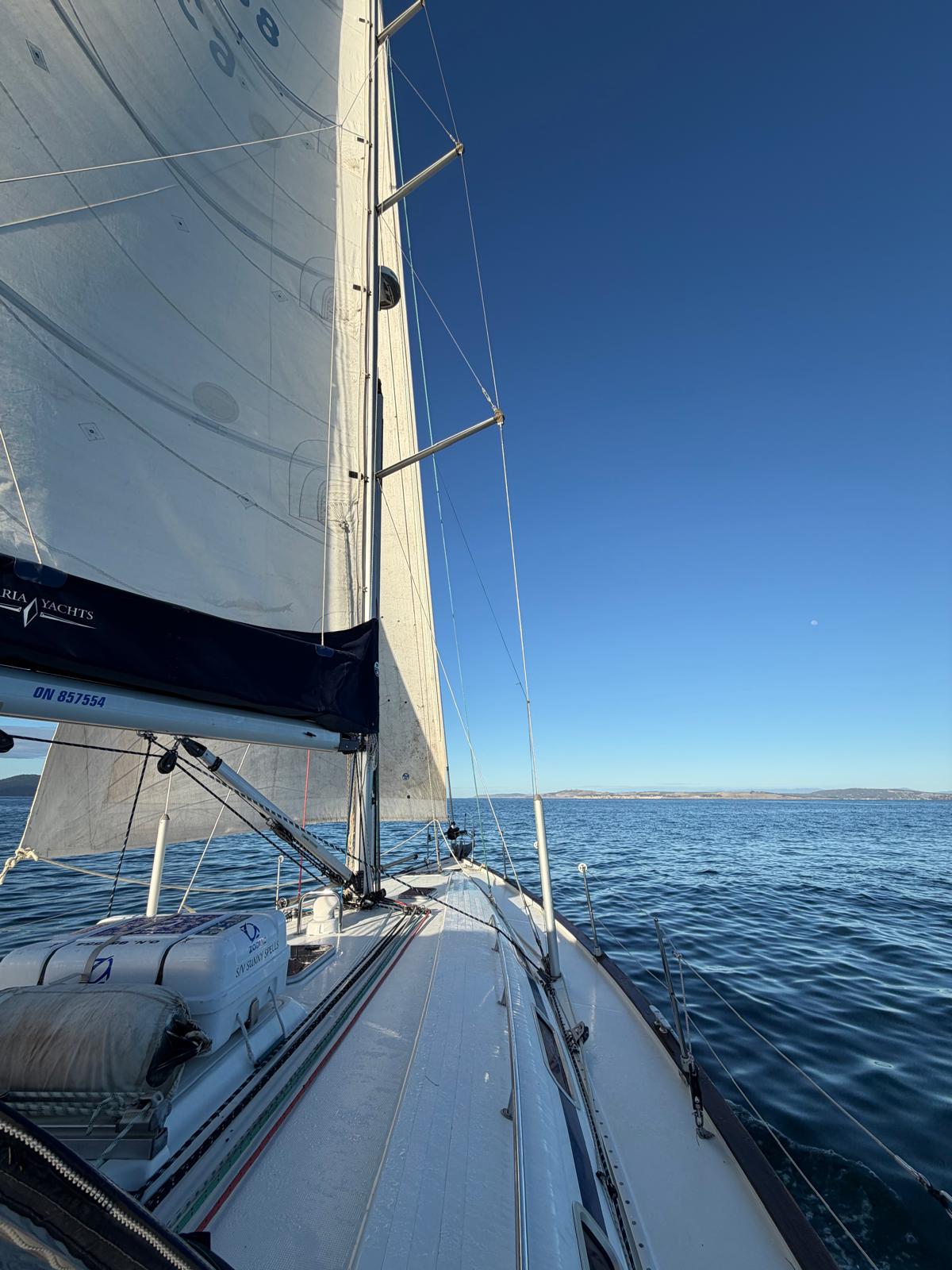
Weighed at 07:05, motored north out of Snake Bay, sails up at 10:06 for the last hour of it. Moored at Prince of Wales Bay at 12:36.
211 miles over the ground in six weeks. 51 under sail, 160 under engine. 235 through the water on the log. Forty nights at anchor.
The boat
A pump head died and a printed part cracked. That is the whole list.
The anchor held every one of those forty nights, including the ones where 25 knots arrived out of nowhere off the hill, and the windlass picked it up every morning without complaint.
The instruments are prototypes, which is rather the point of taking them somewhere quiet.
*Sunny Spells is a Bavaria 44, sailed by Gerhard Malan. The marine electronics work is at scadys.io.*